
The first answer may not match your level of understanding. Use the same AI composer to ask for a missing step, another example, or a shorter version that is easier to remember. Follow-ups use recent completed exchanges within the current class or material. You do not need to copy the full history or find a separate follow-up button.
Watch the walkthrough
This video is currently unavailable. Open video in a new window
Stay in the same learning context
Check that you are still in the original class or material, and wait for the previous answer to finish. Changing class, account, or refreshing can reset the conversation’s context. Do not assume everything on the previous page is still available. Paste the key sentence when referring to an older conclusion rather than saying “the one from last time”.
Break a large question into smaller parts
- Read the previous response in the current AI Q&A or the material reader’s AI chat. Identify one term, step, or conclusion you do not understand.
- In Ask a question, name what you mean: “In your second step, you multiplied by the weights. Why can’t we just add the two returns?” Then send it.
- For another explanation, ask for language suitable for someone new to the concept while retaining necessary terms, or request an everyday example and how it maps to the formula.
- For brevity, specify a format such as three points with one idea each. For more detail, ask to expand one assumption or derivation rather than regenerate the entire explanation.
- Check the new answer against the original question. If you corrected a number or term, state the correction clearly in the next question and ask for an answer using the new conditions.
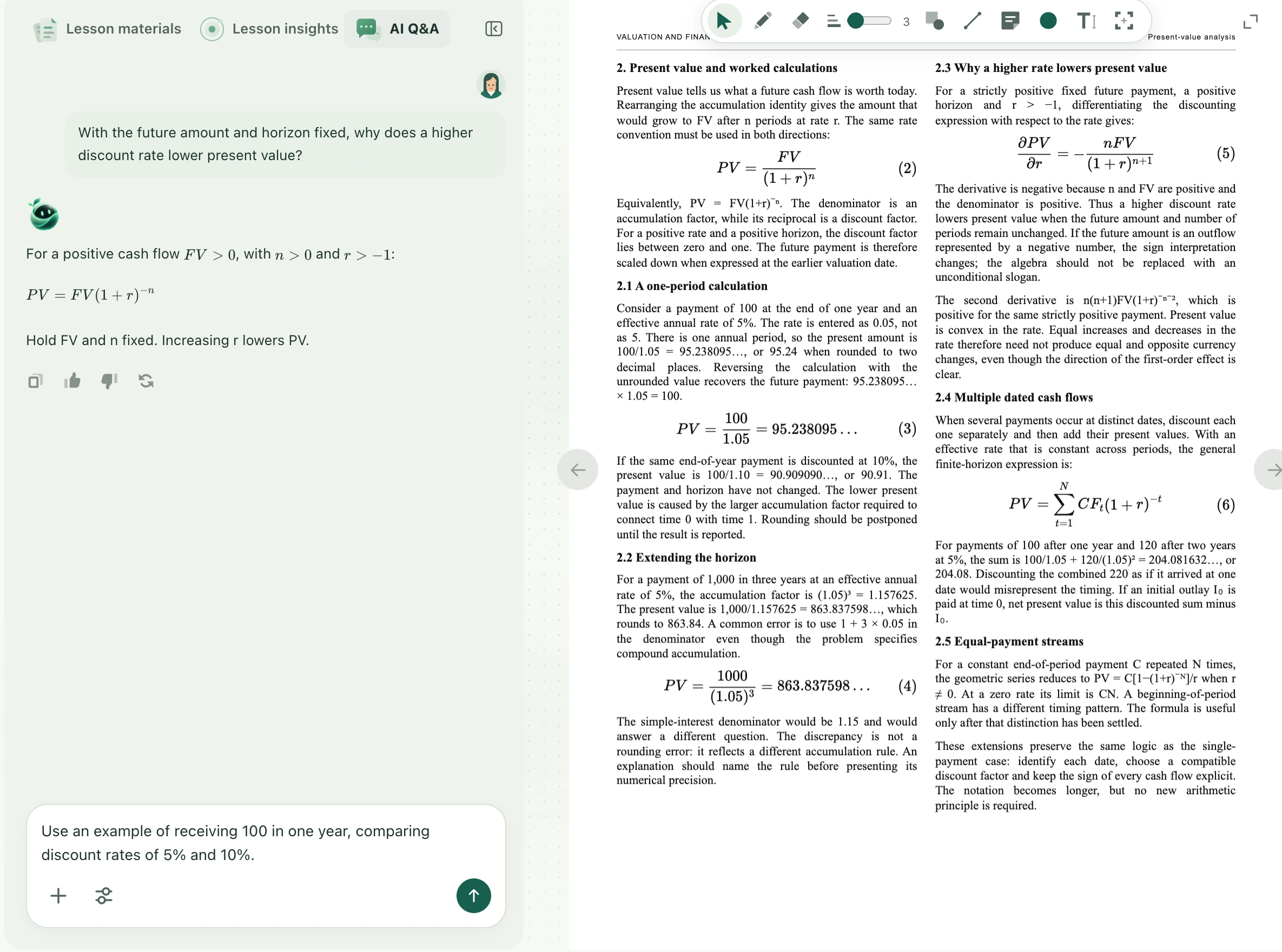
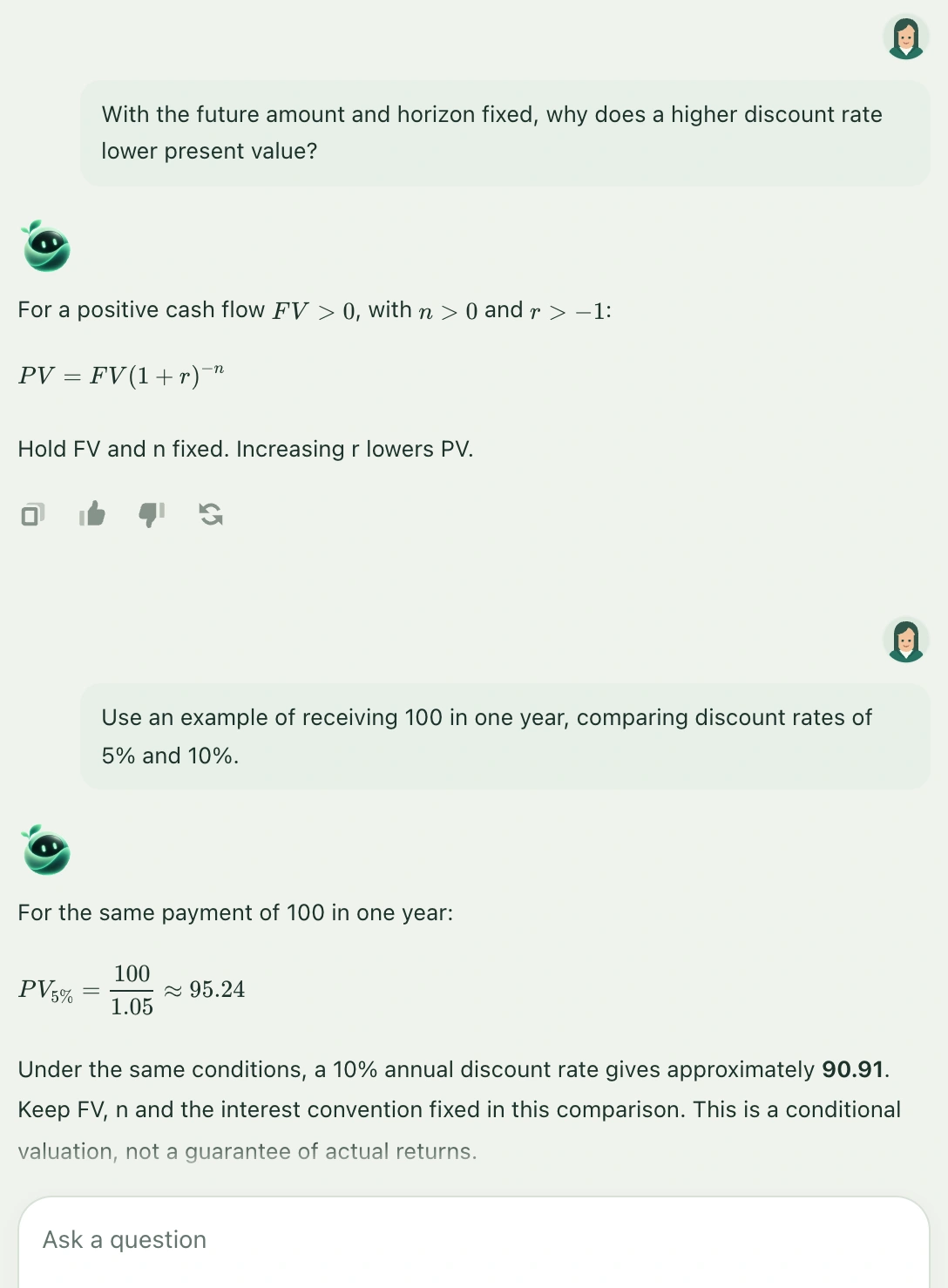
Follow-up versus regeneration
A follow-up adds a new exchange, which is useful for extra conditions or a different focus. The answer-again icon below a response retries the original question: it regenerates a classroom reply or answers the material-reader question again. Use this when a response is incomplete or you want a new answer to the same question. Wait for a request to finish before sending the next. Use the retry beside an error instead of repeatedly clicking to speed it up.
How to keep the result
Old and new answers appear in conversation order. Use their copy controls to combine useful parts into your own notes. A conversation does not automatically update courseware or previously generated notes with a corrected conclusion; check and edit those yourself. Classroom text Q&A and material AI conversations are not permanent cloud chat records, so keep what you need for review before leaving.