Help Center
How can we help?
Clear steps for getting started, captions, materials, and reviewing sessions.
Search results
From the demo to your first session
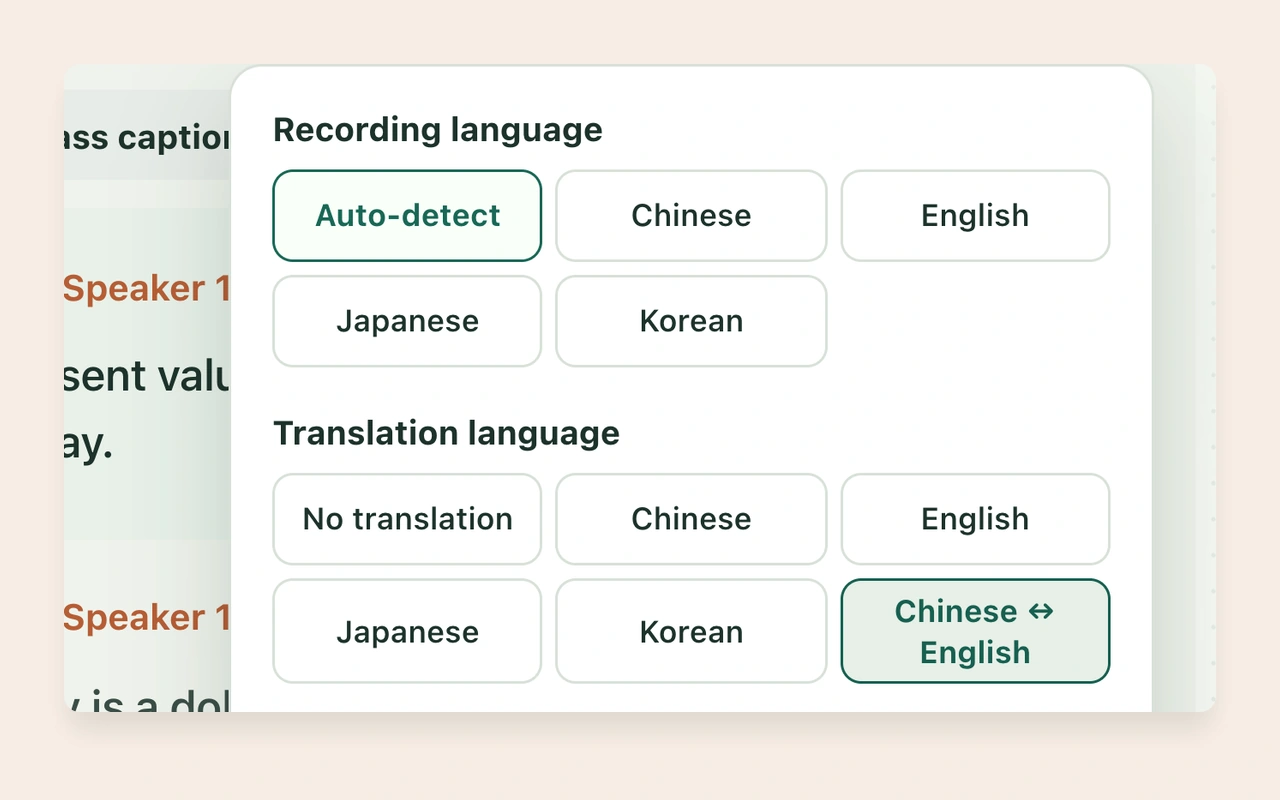
Which languages do live captions support?
When the microphone or captions do not respond
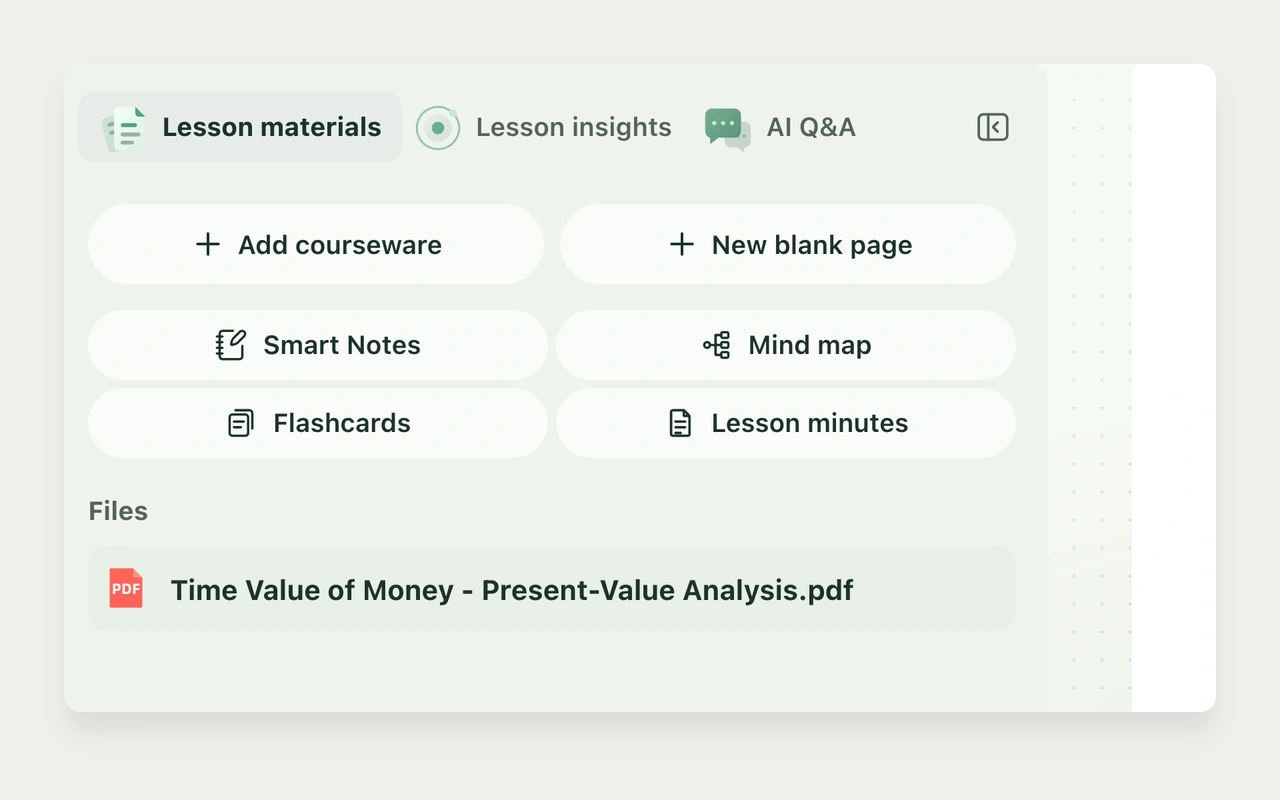
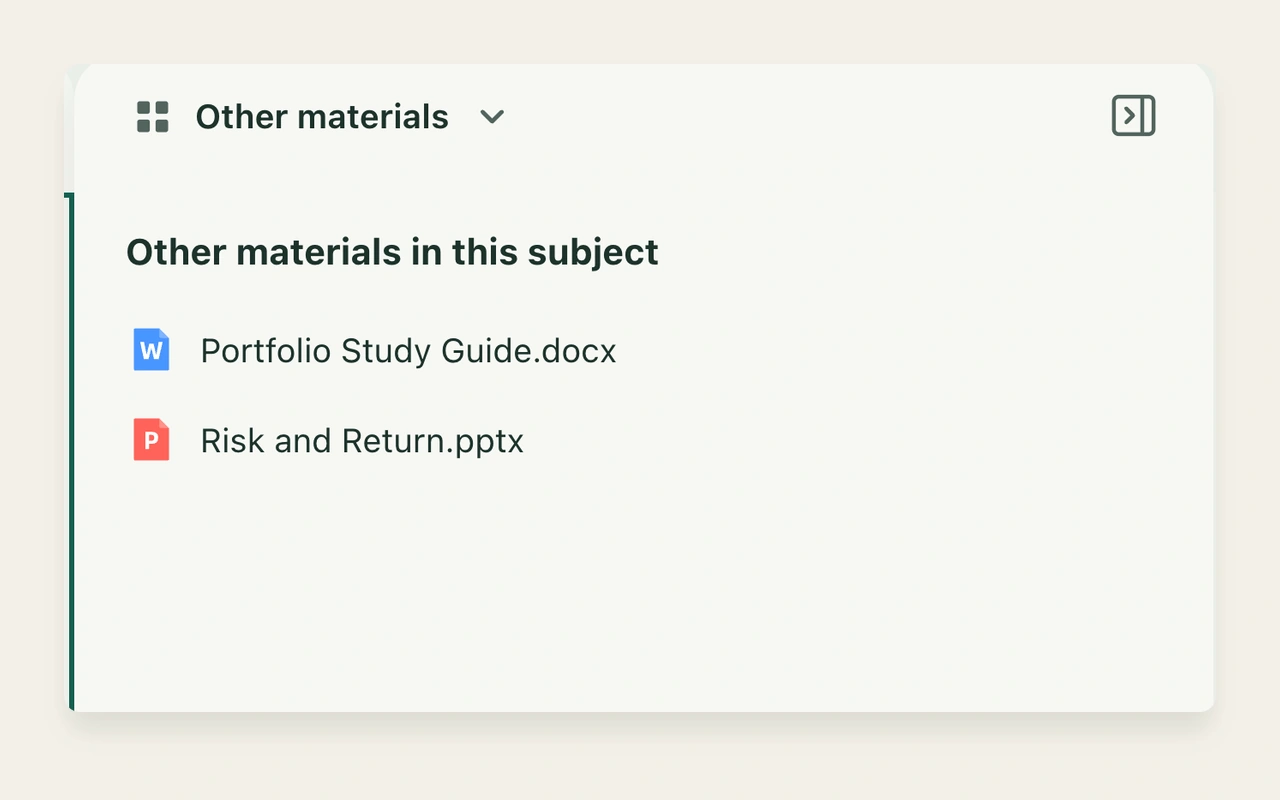
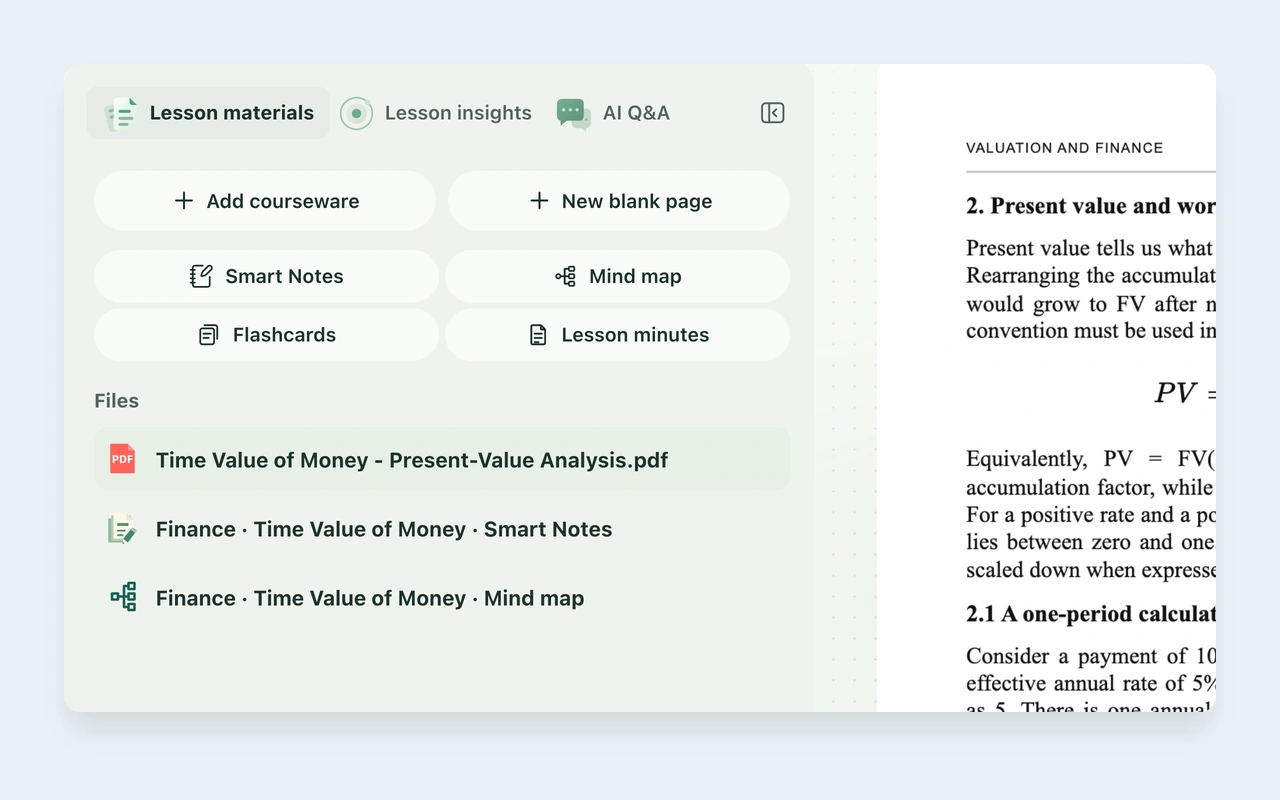
Add and manage courseware and blank pages
Annotate materials and write your notes
Replay a recording and review a saved session
What do Saved and Pending save mean?
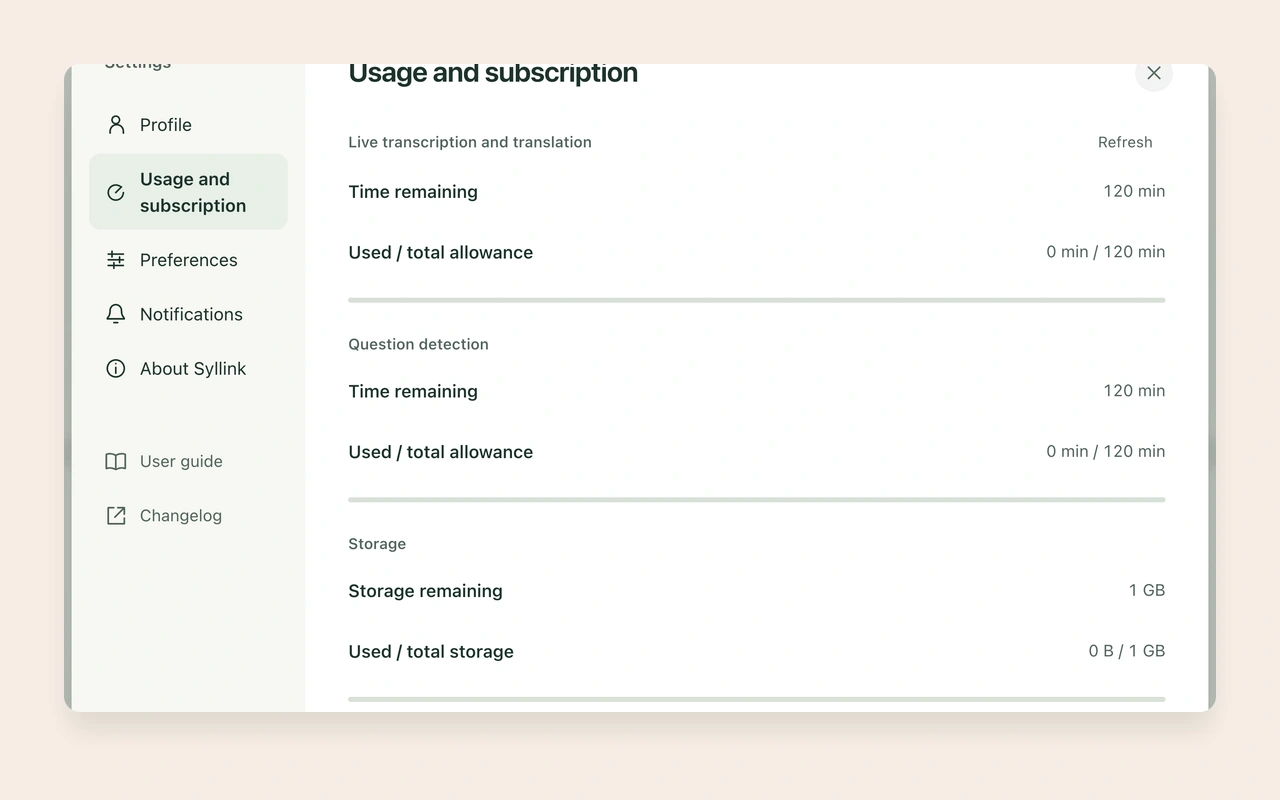
Check the 120-minute trial and 1 GB storage
How can a school or organization evaluate Syllink?
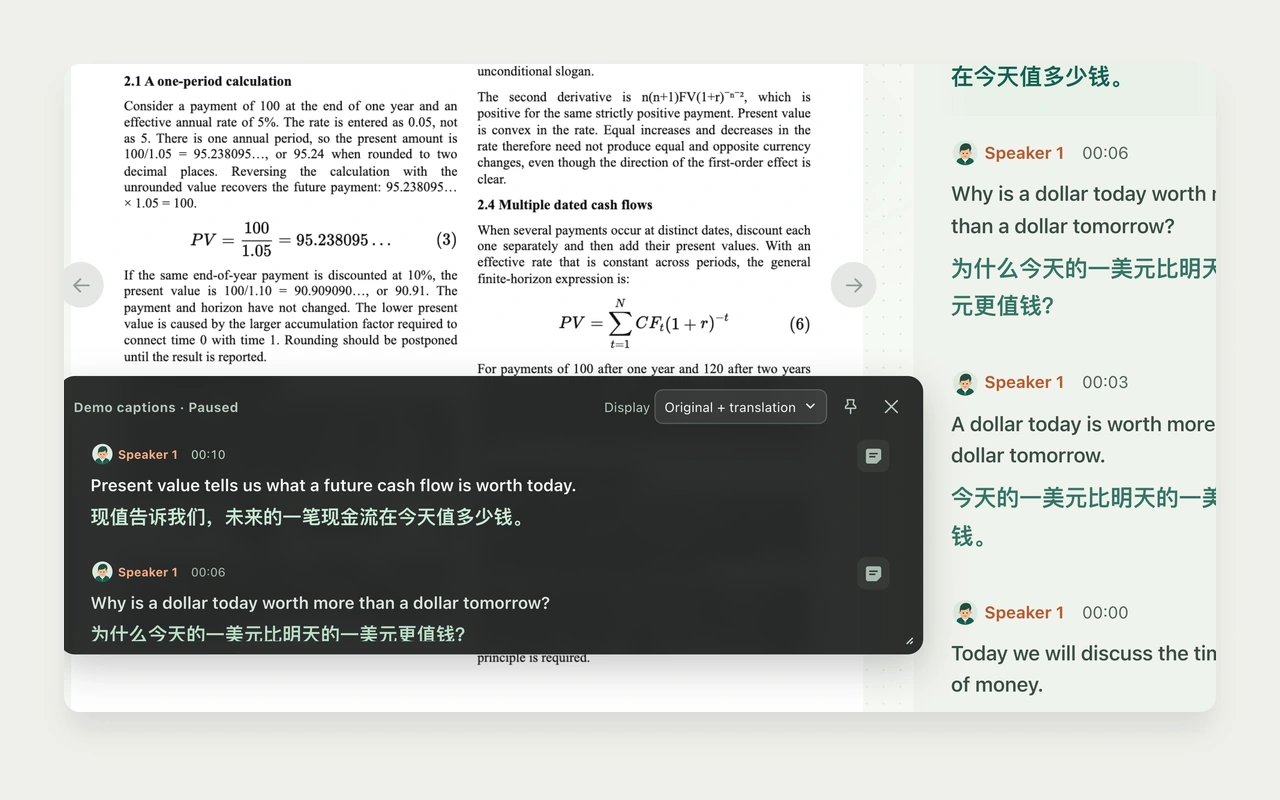
Use live translation captions to follow a bilingual class
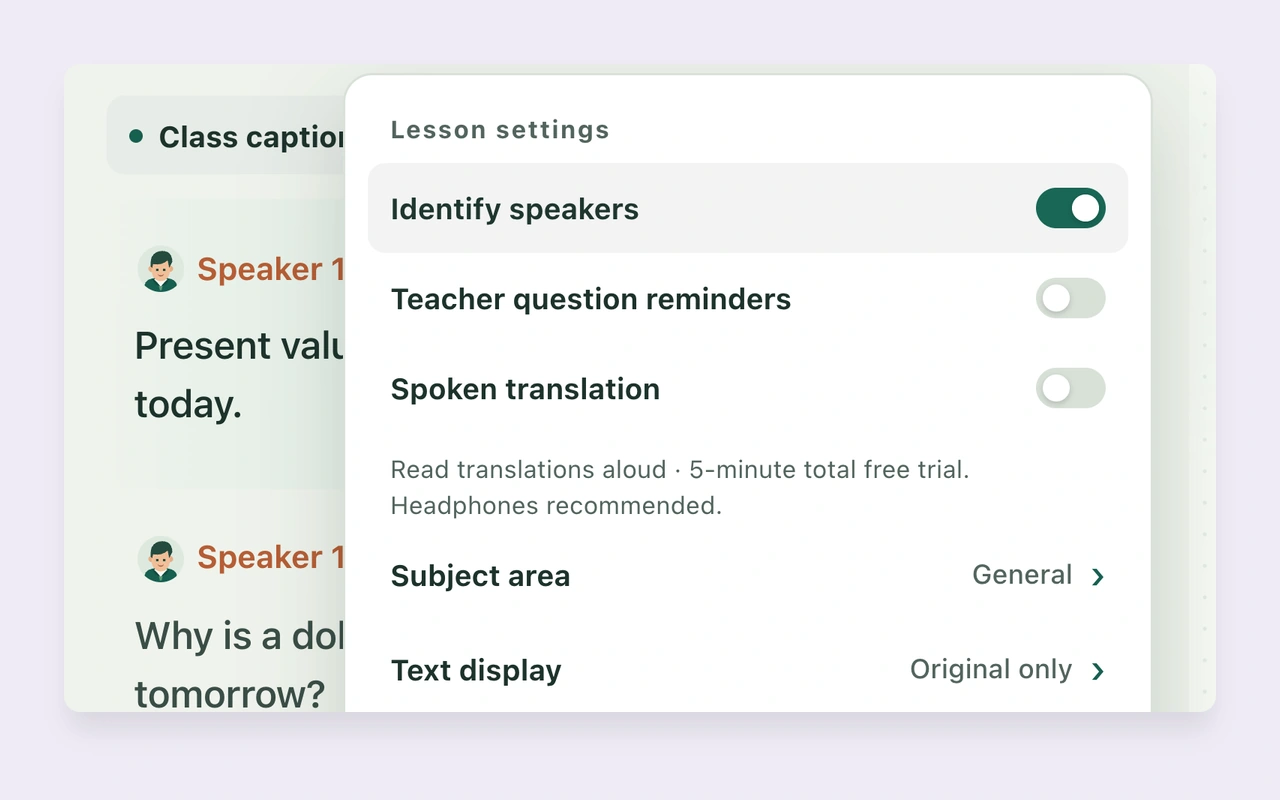
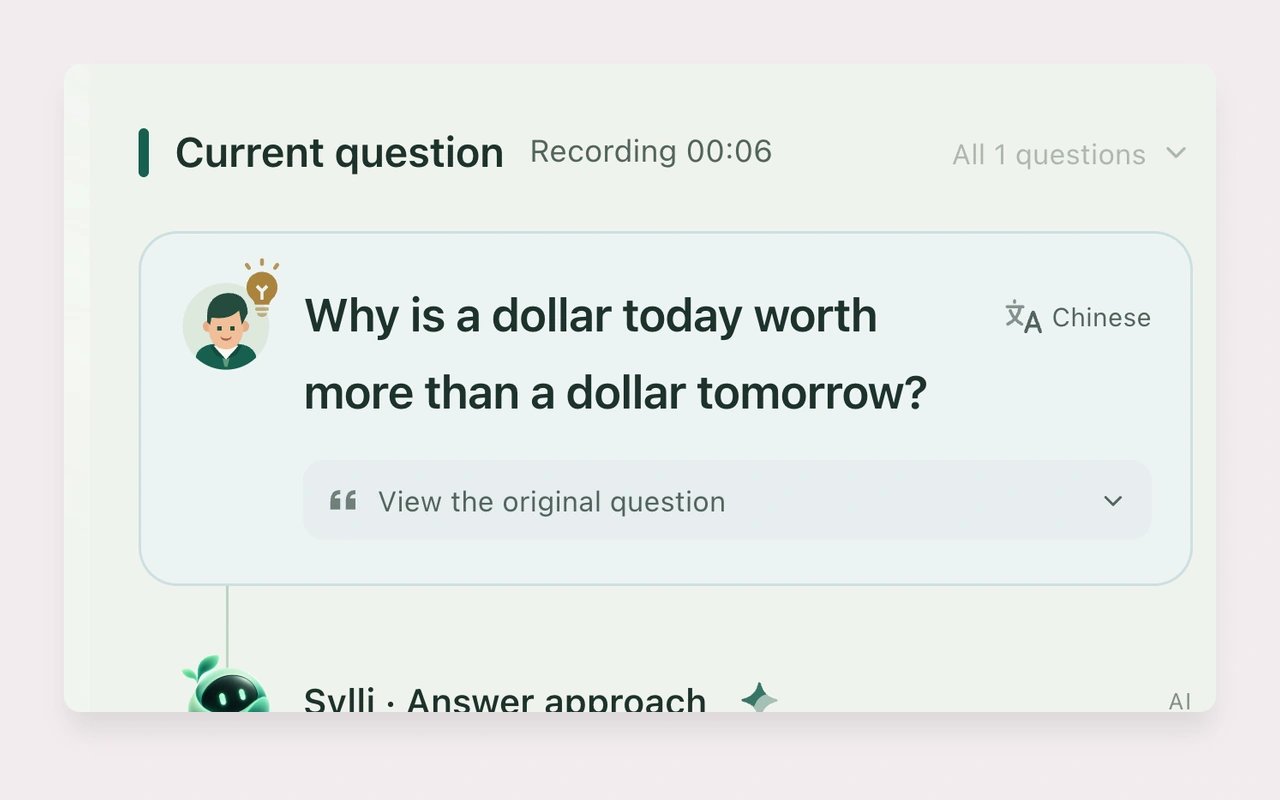
Turn on question detection to notice your teacher’s questions
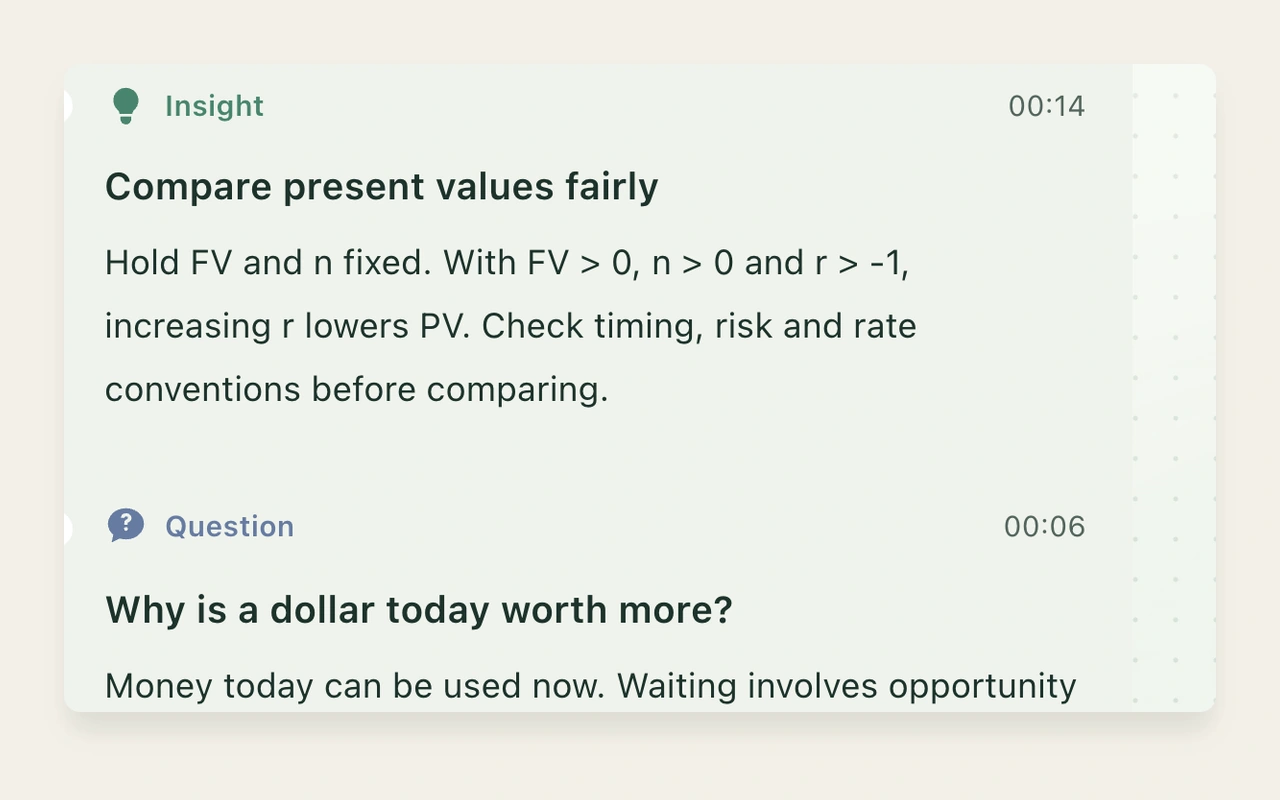
Review concepts and tasks with class insights
Ask Sylli a question in class and follow up
Generate Smart Notes and add your own understanding
Read lesson minutes after class and verify their sources
Expand a smart courseware outline and jump to a section
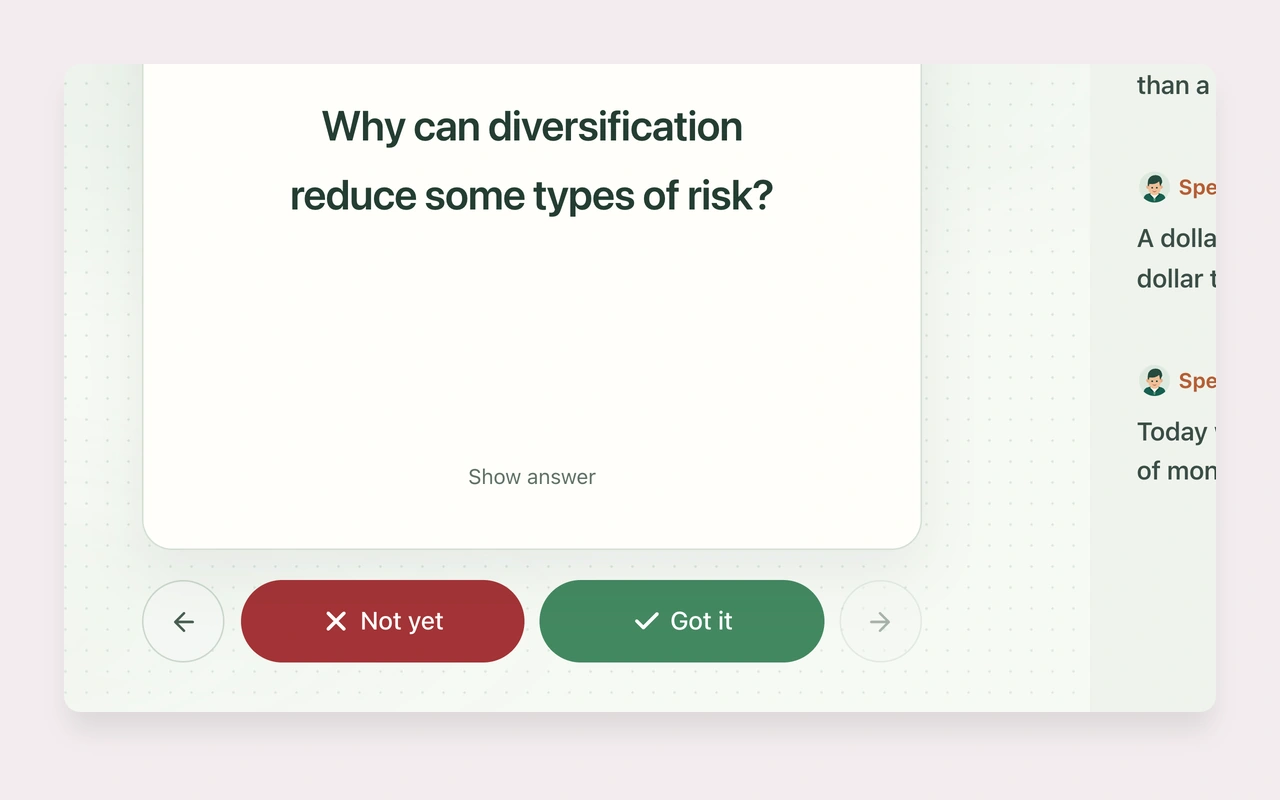
Review with flashcards and record what you know
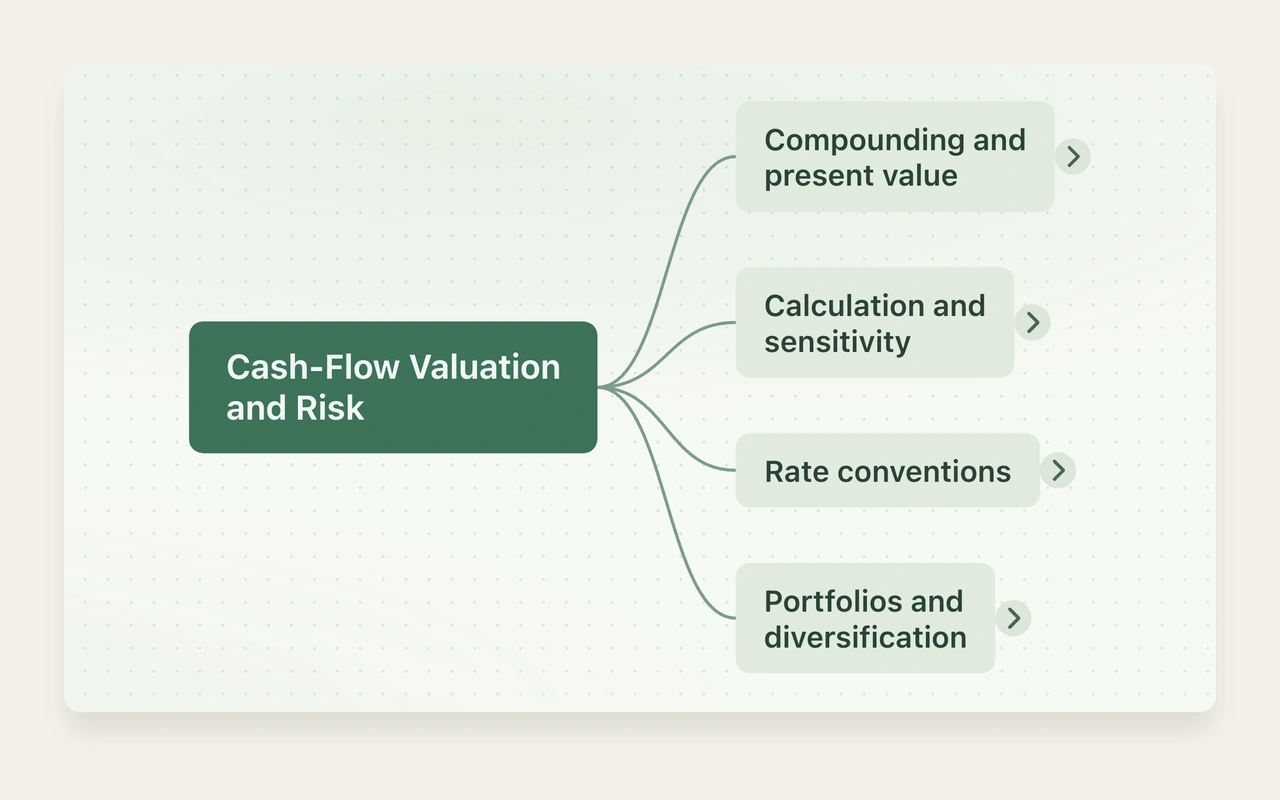
Organize class content into an editable mind map
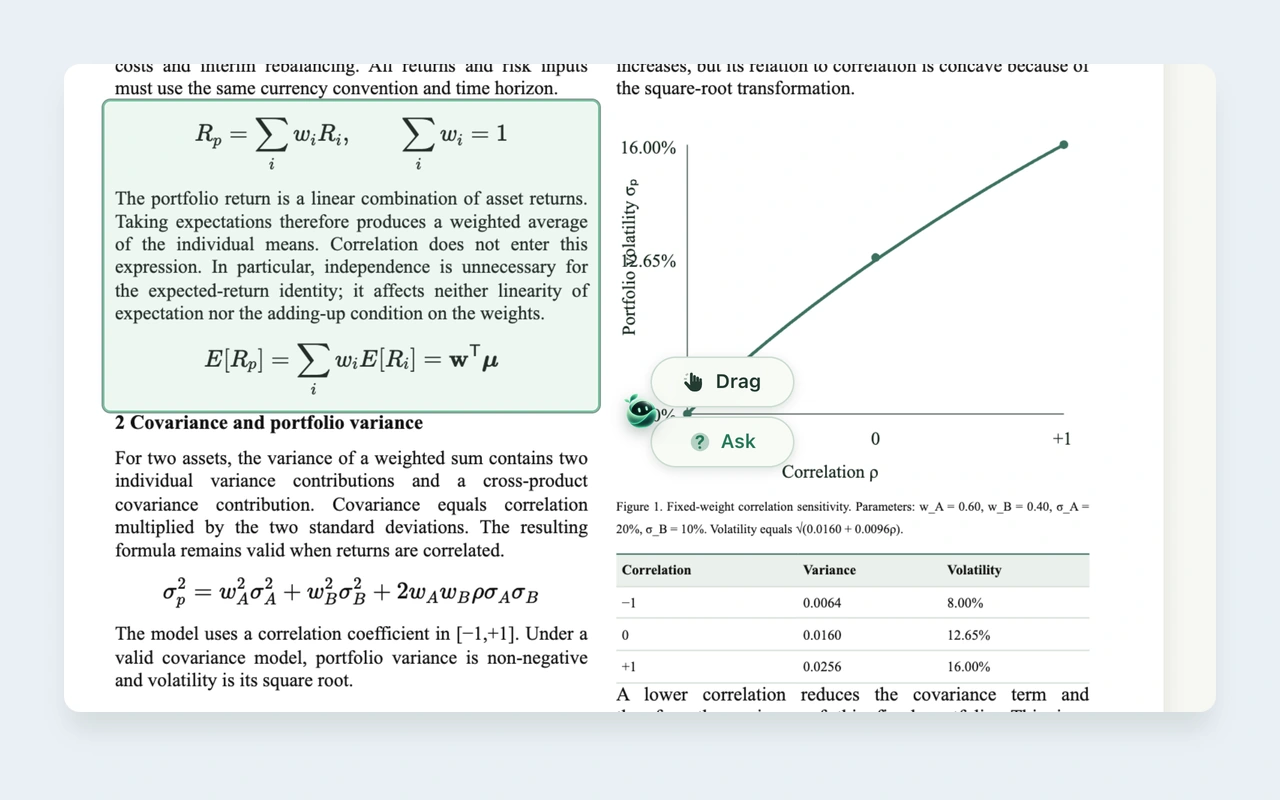
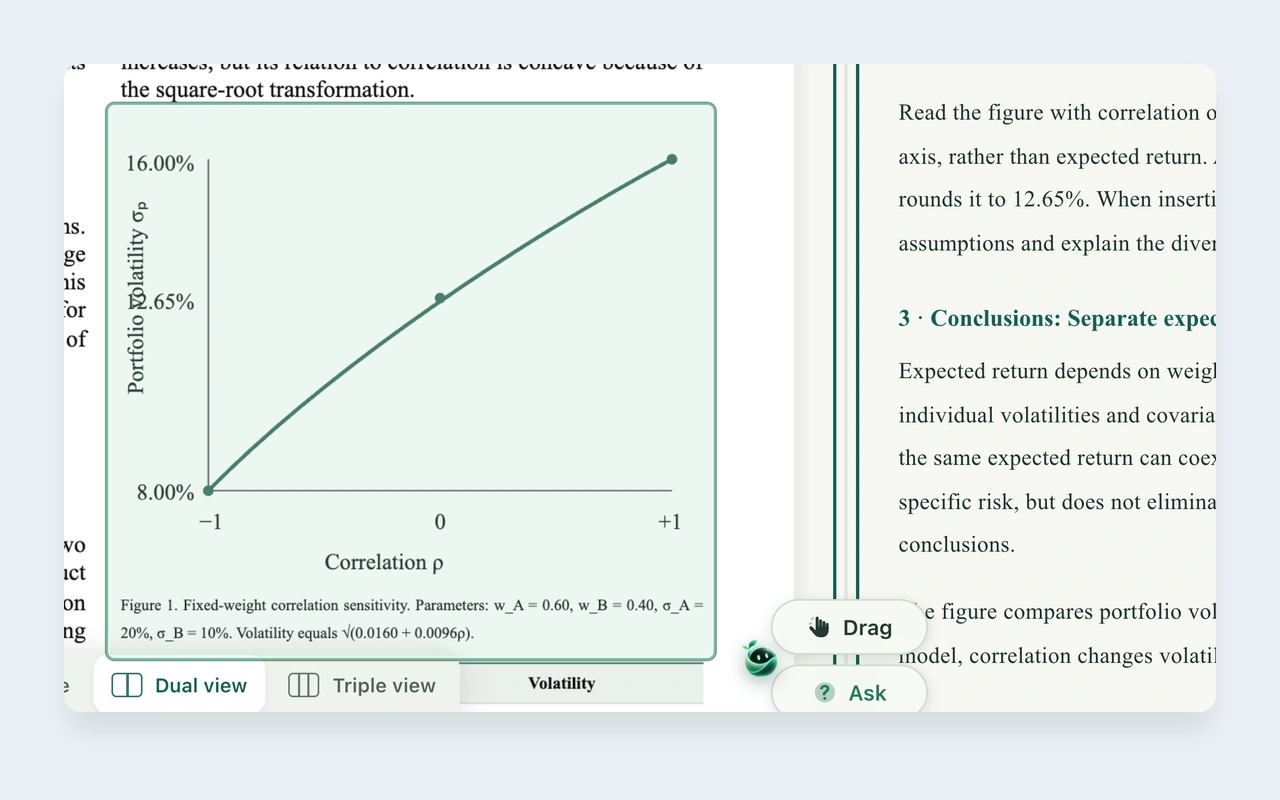
Select a formula, chart, or passage to ask Sylli
Ask directly from a caption when you missed a sentence
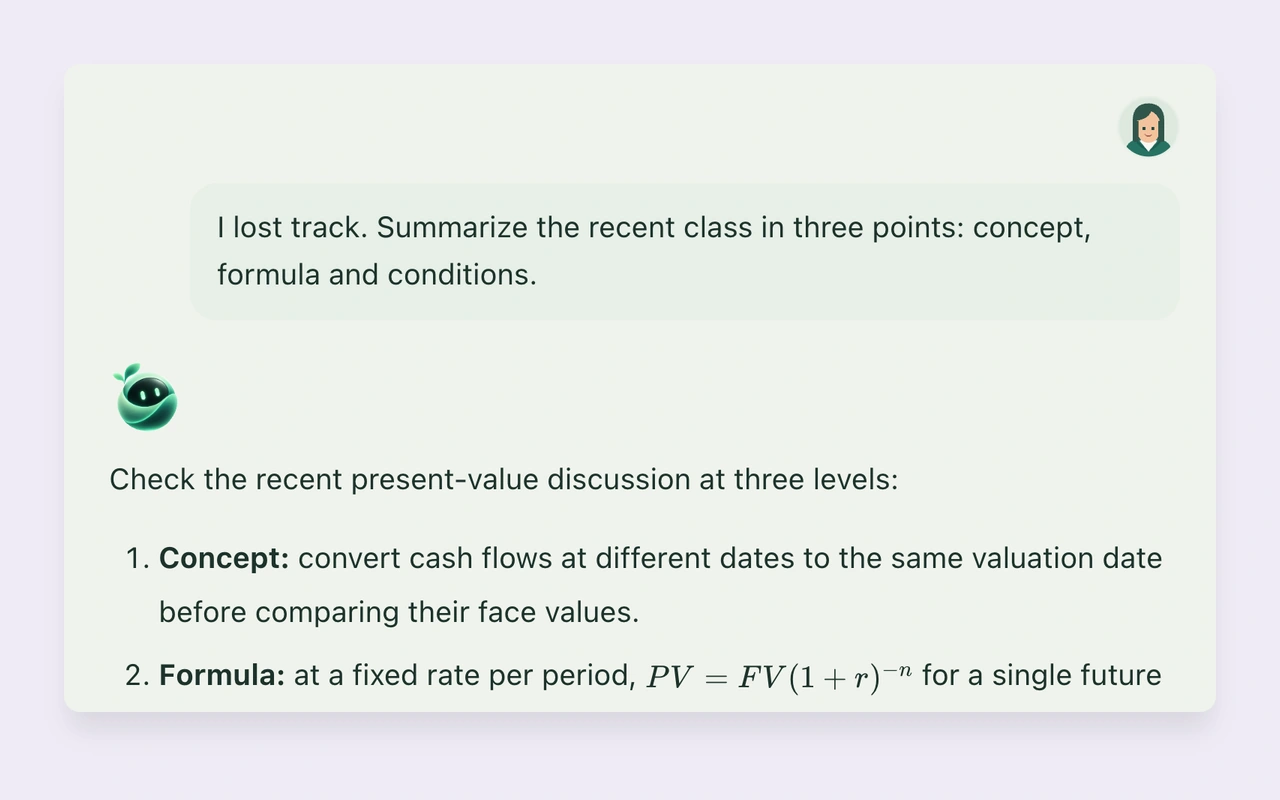
Use class Q&A to catch up after losing focus
Ask more precise questions using class and courseware context
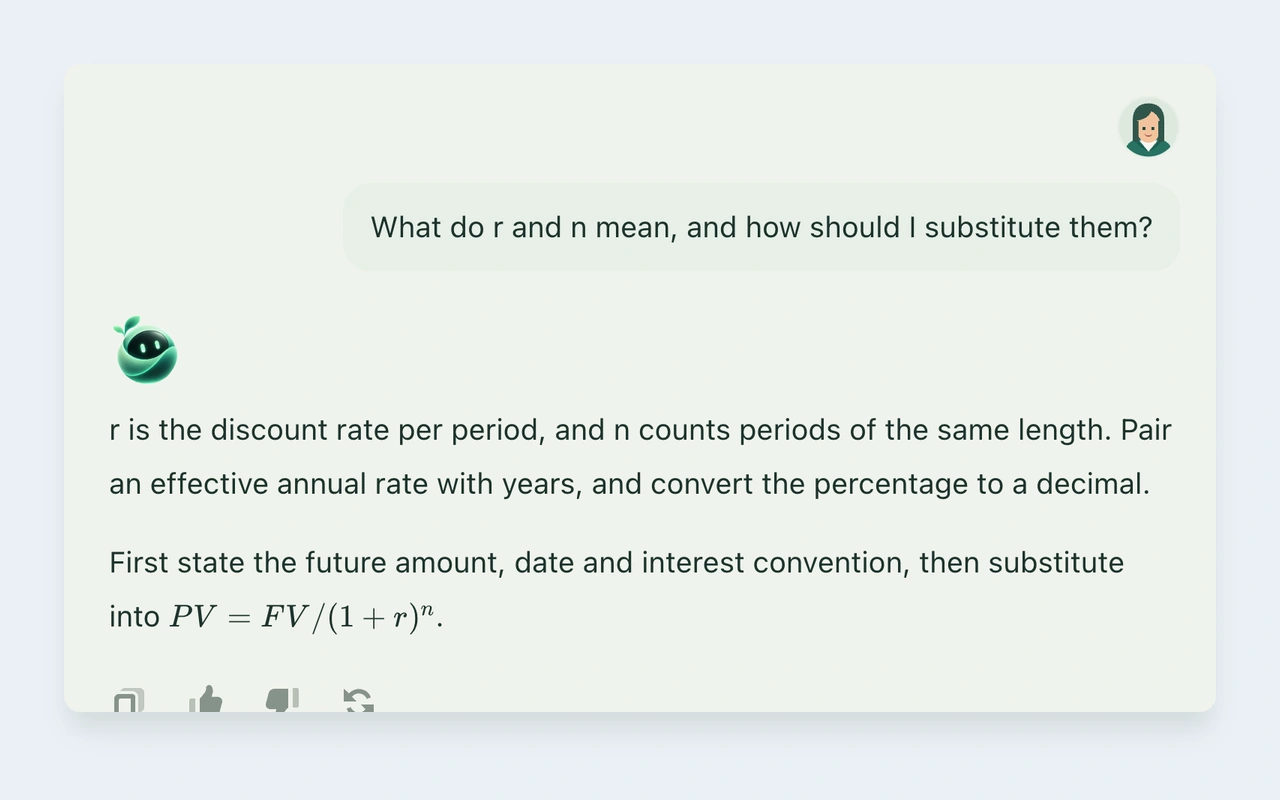
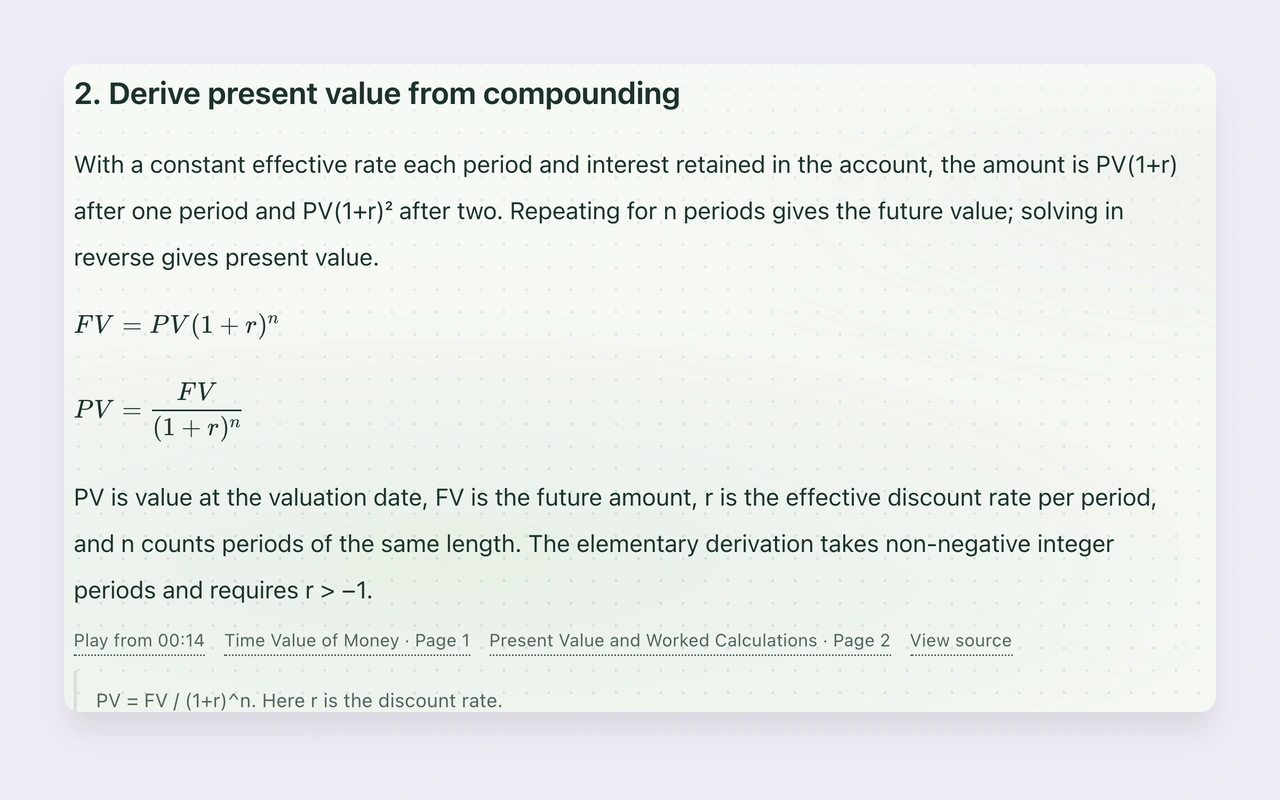
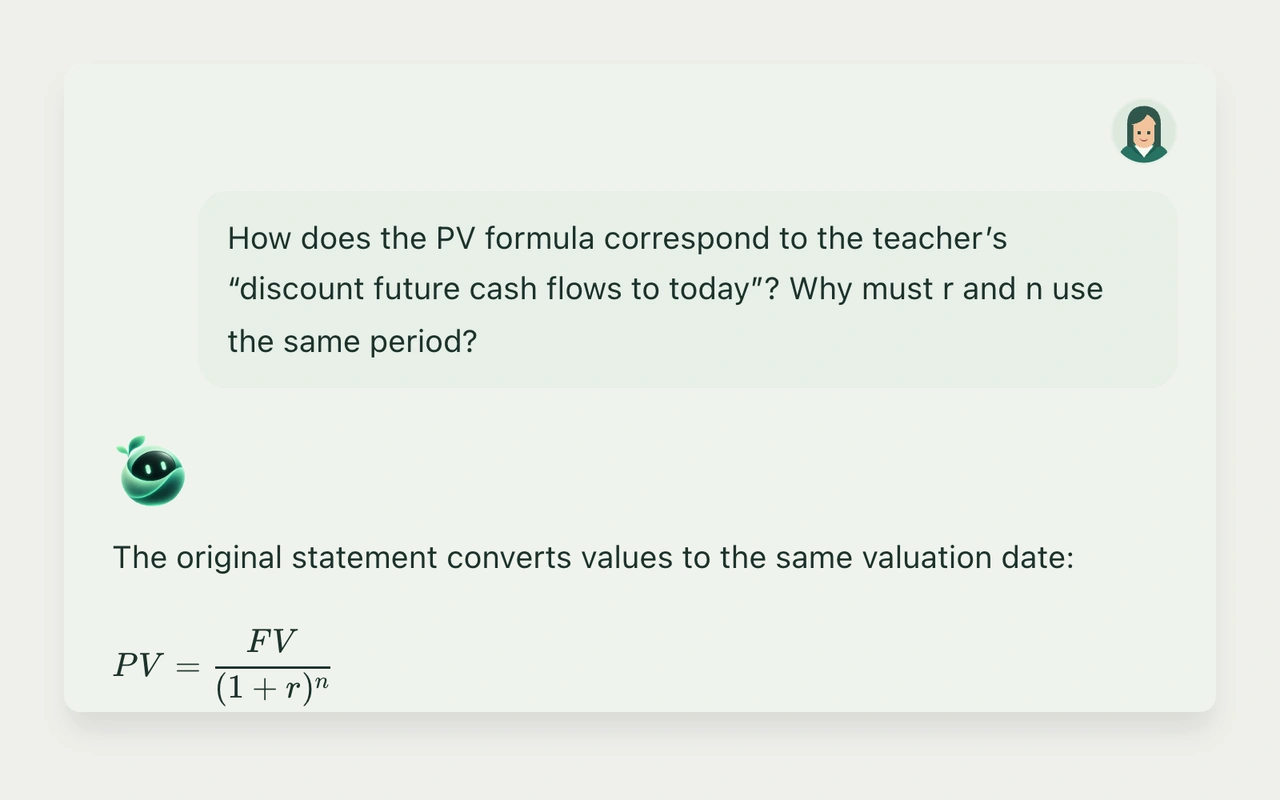
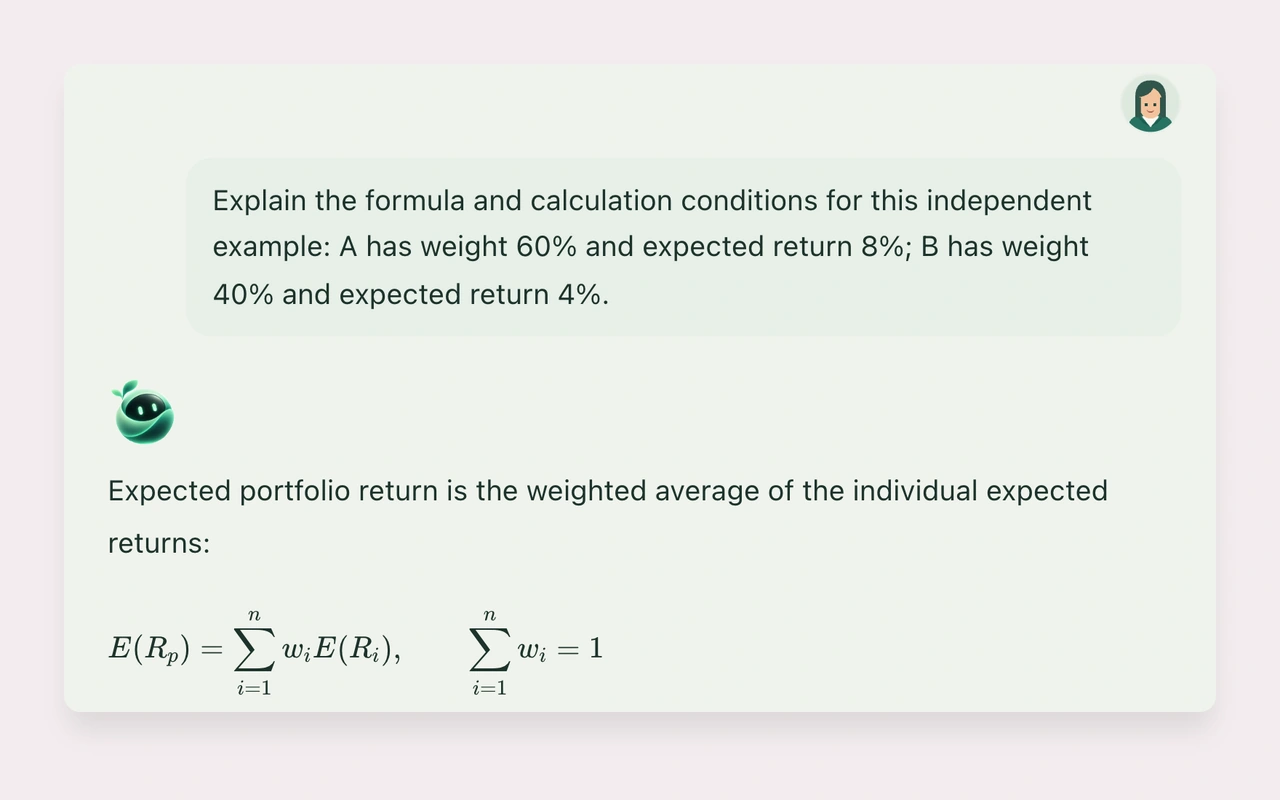
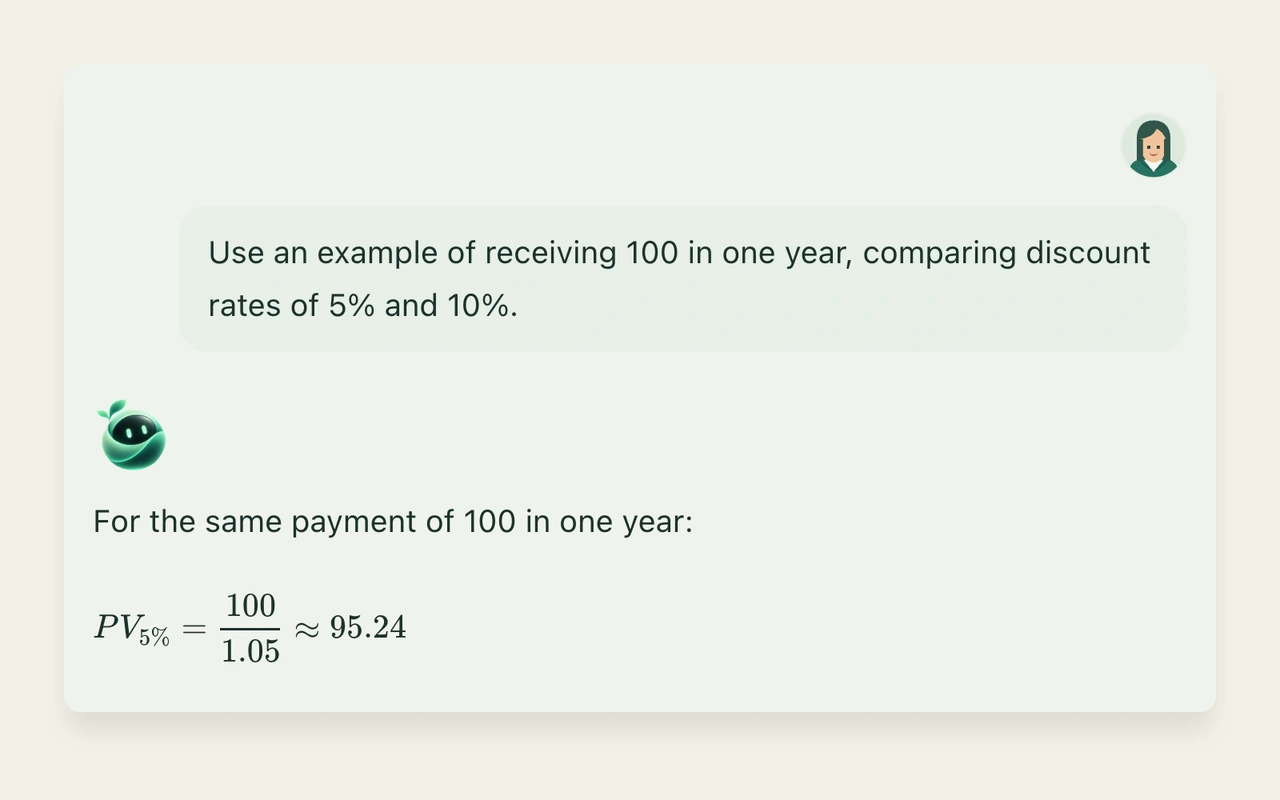
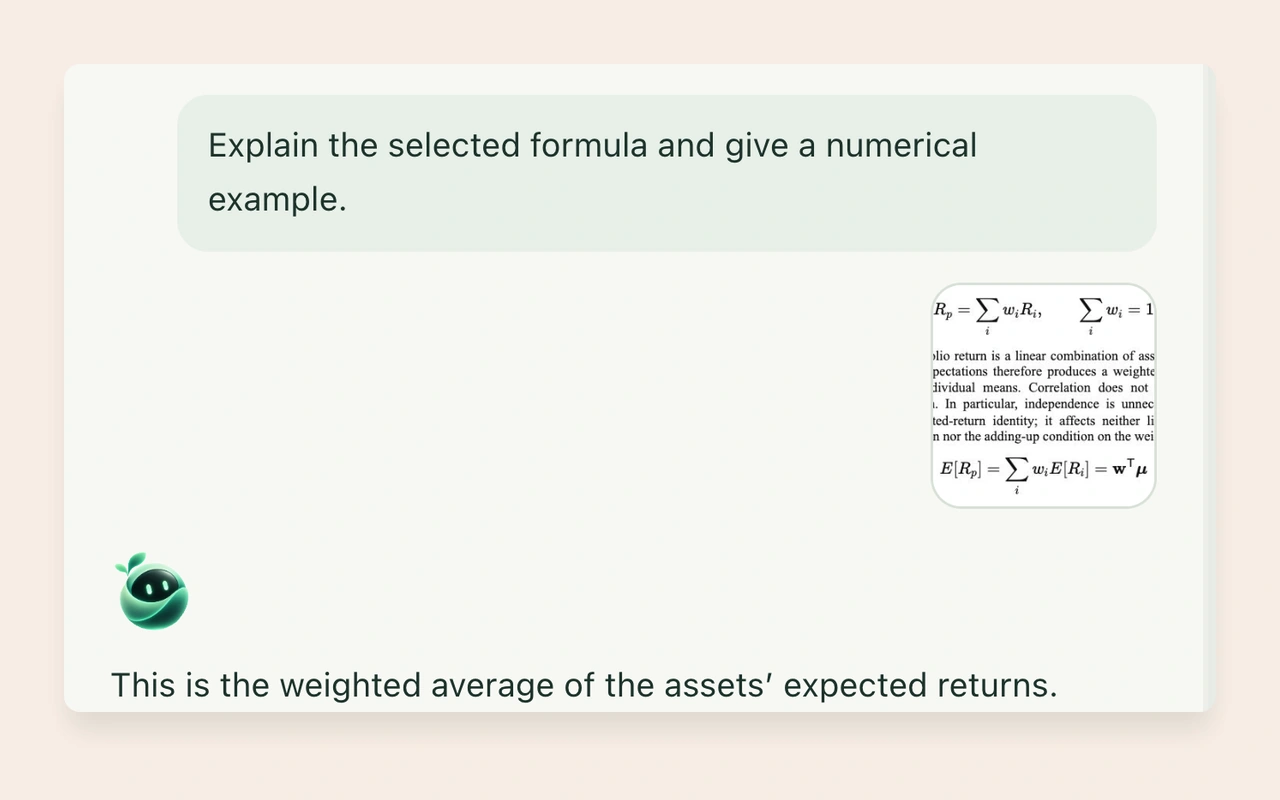
Ask Sylli to unpack a formula and work through an example
Ask a follow-up or request a different explanation
Drag a courseware chart into that file’s notes
Drag a selection into AI chat
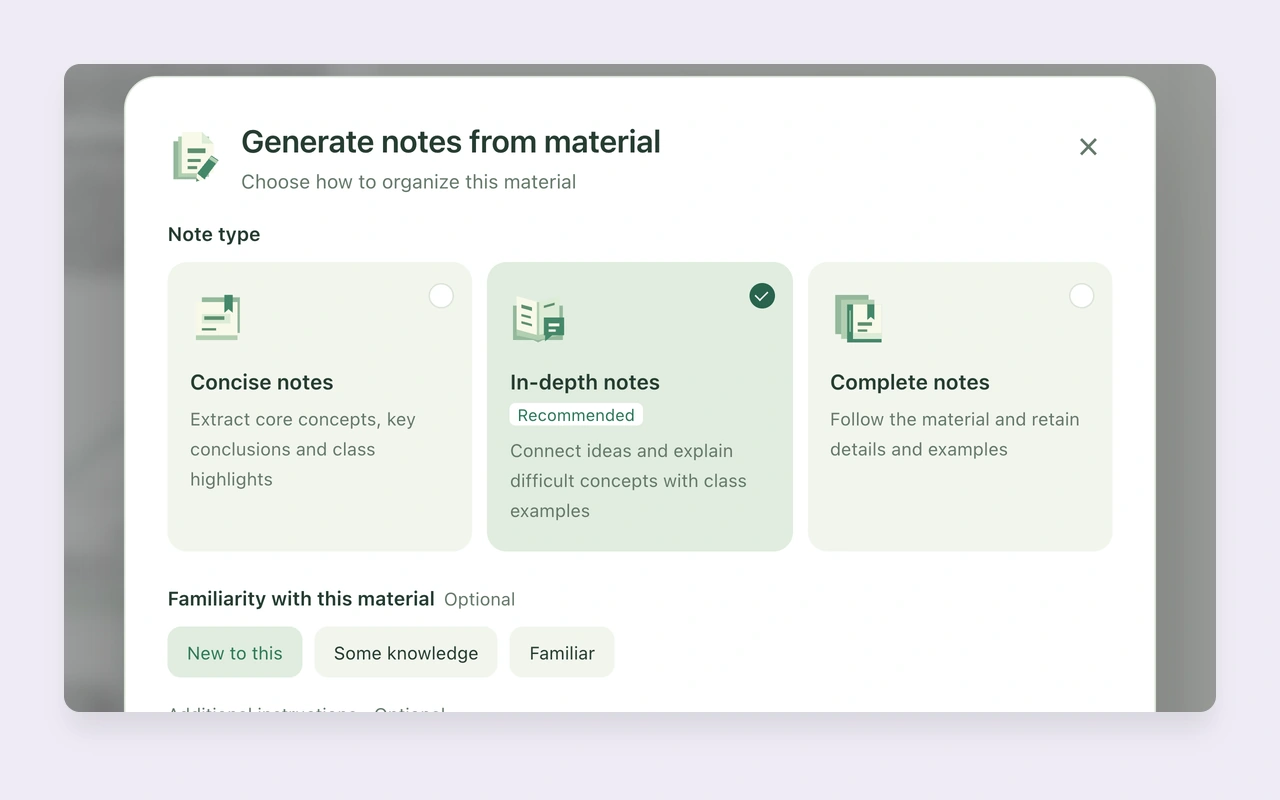
Generate notes from courseware
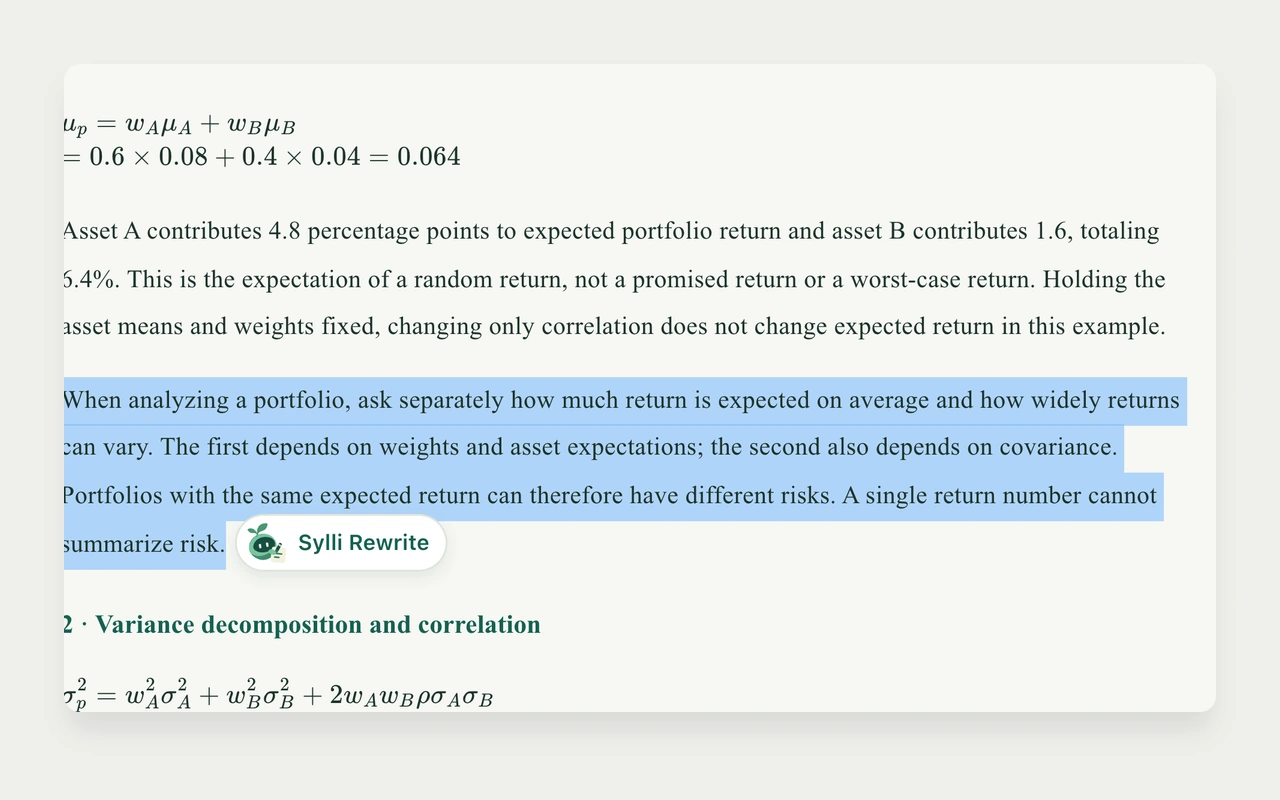
Select note text for Sylli to rewrite
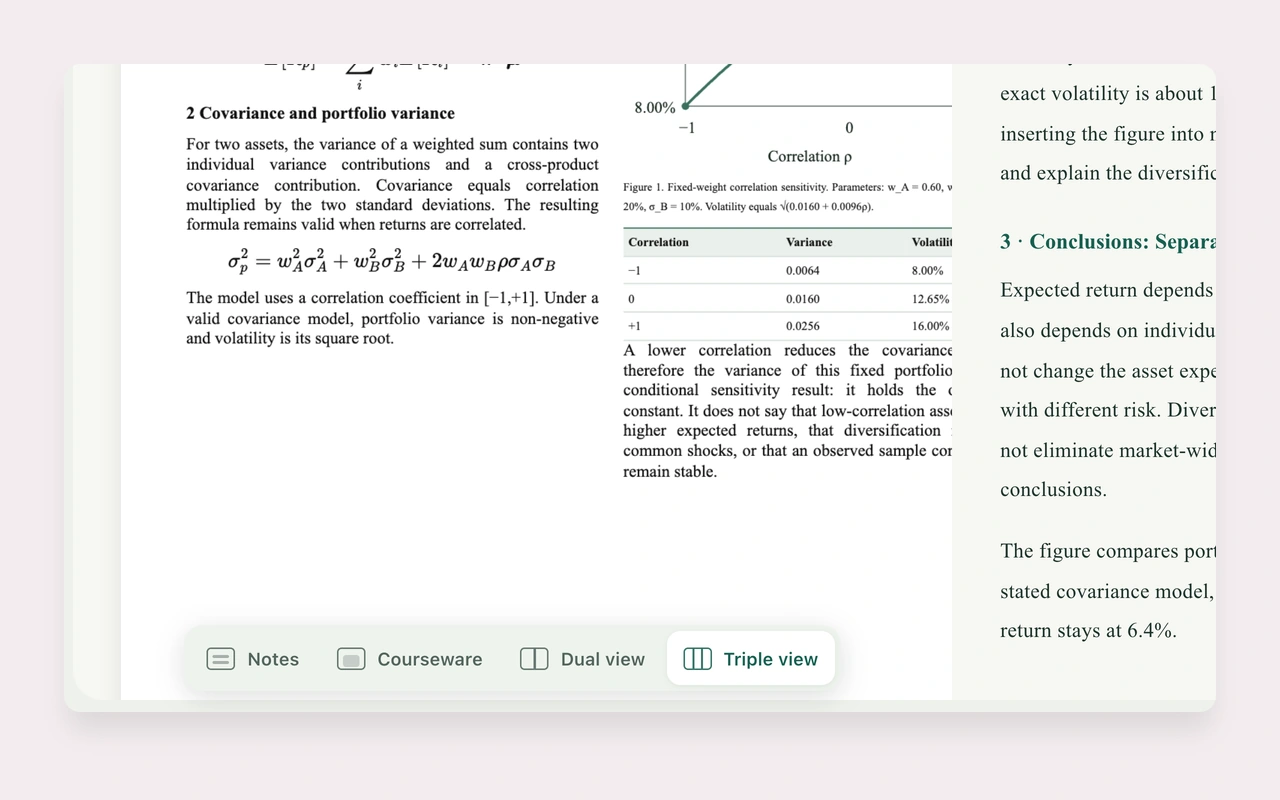
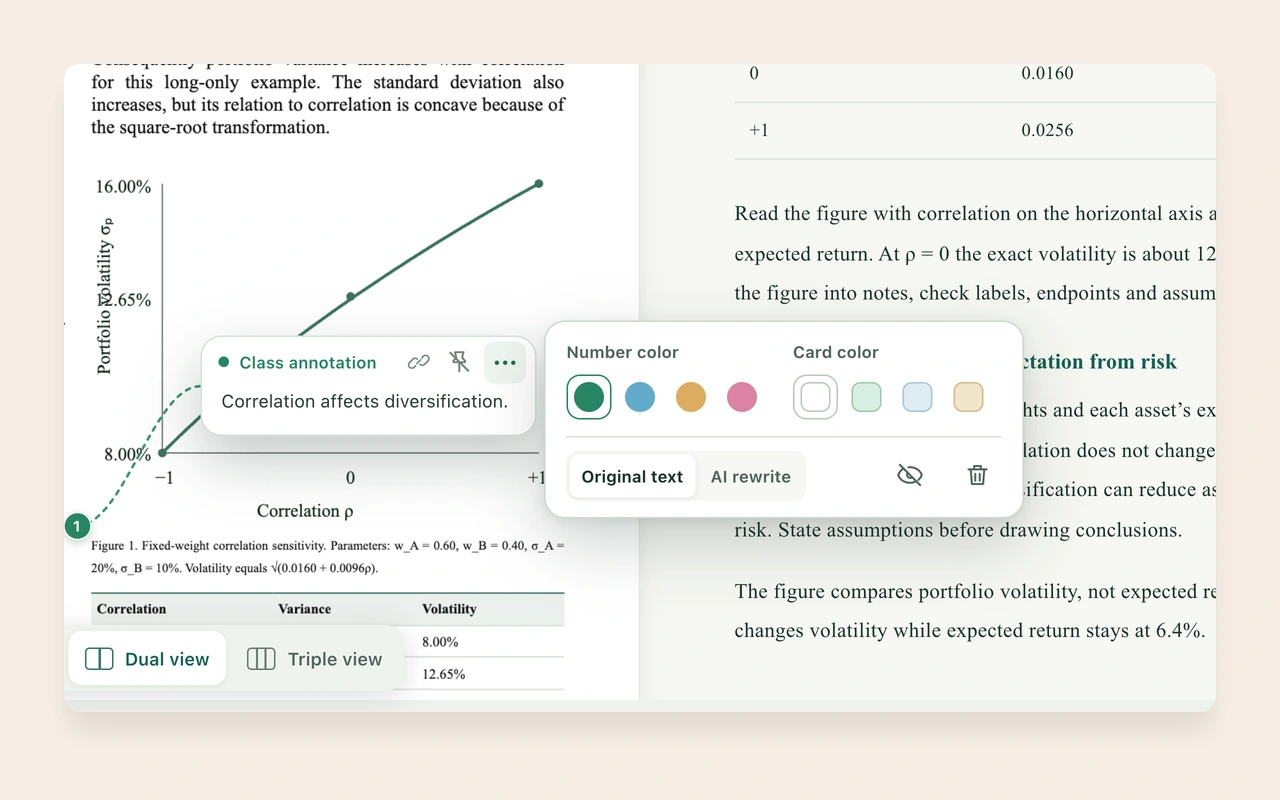
Switch between Dual view and Triple view
Switch study tools while reading
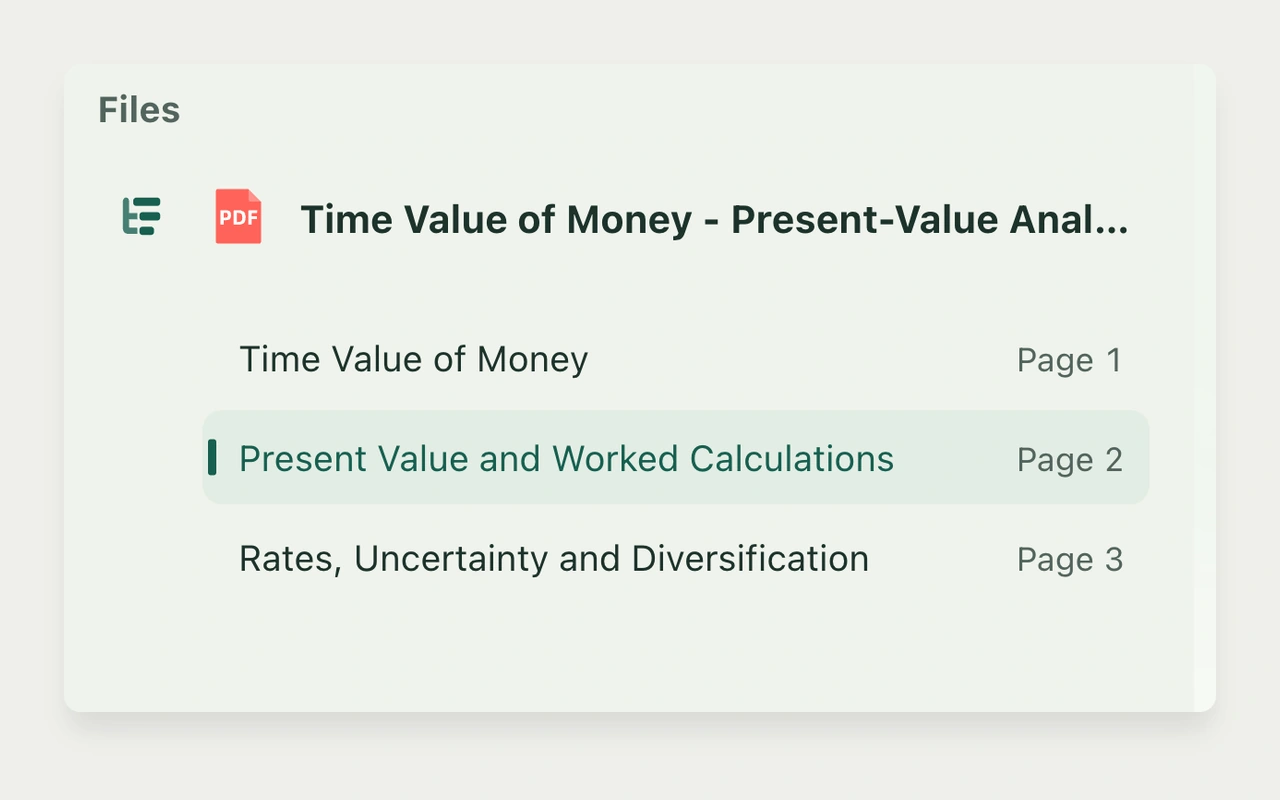
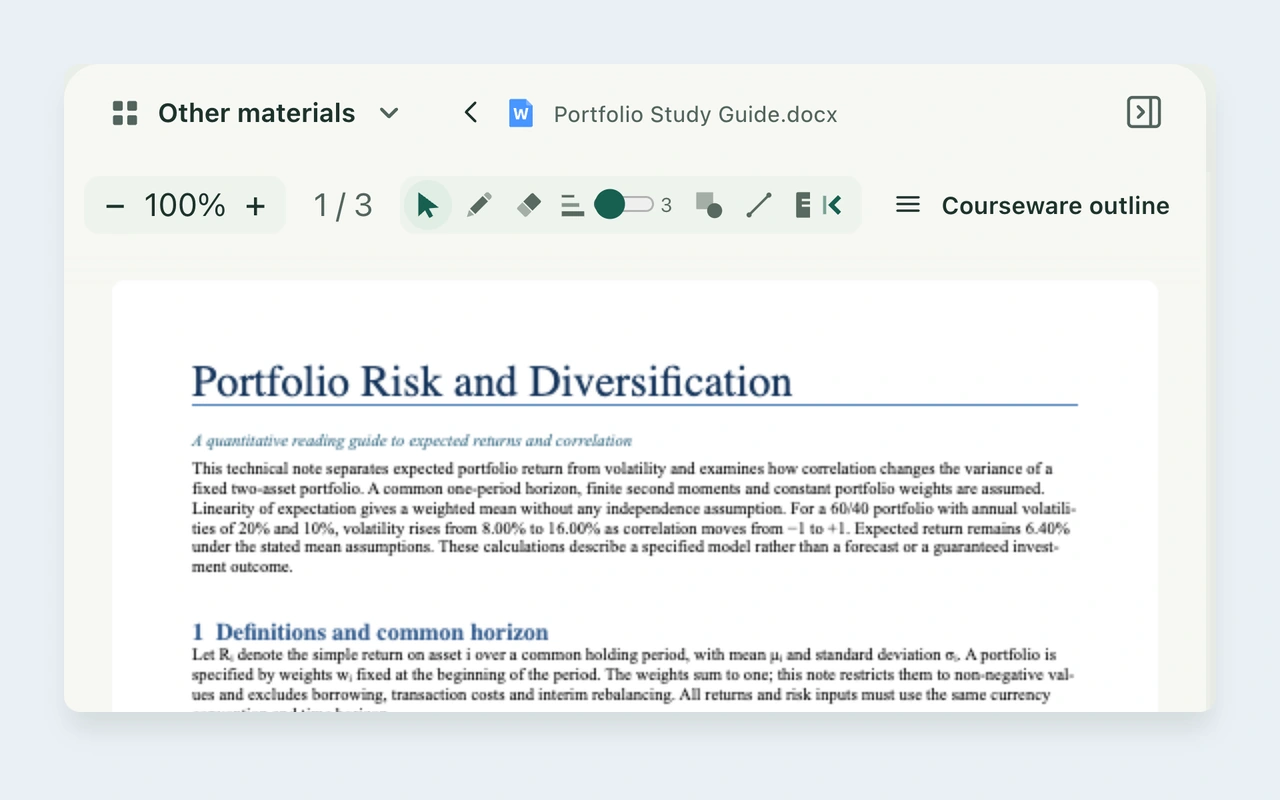
Read PDF, Word, and PowerPoint materials
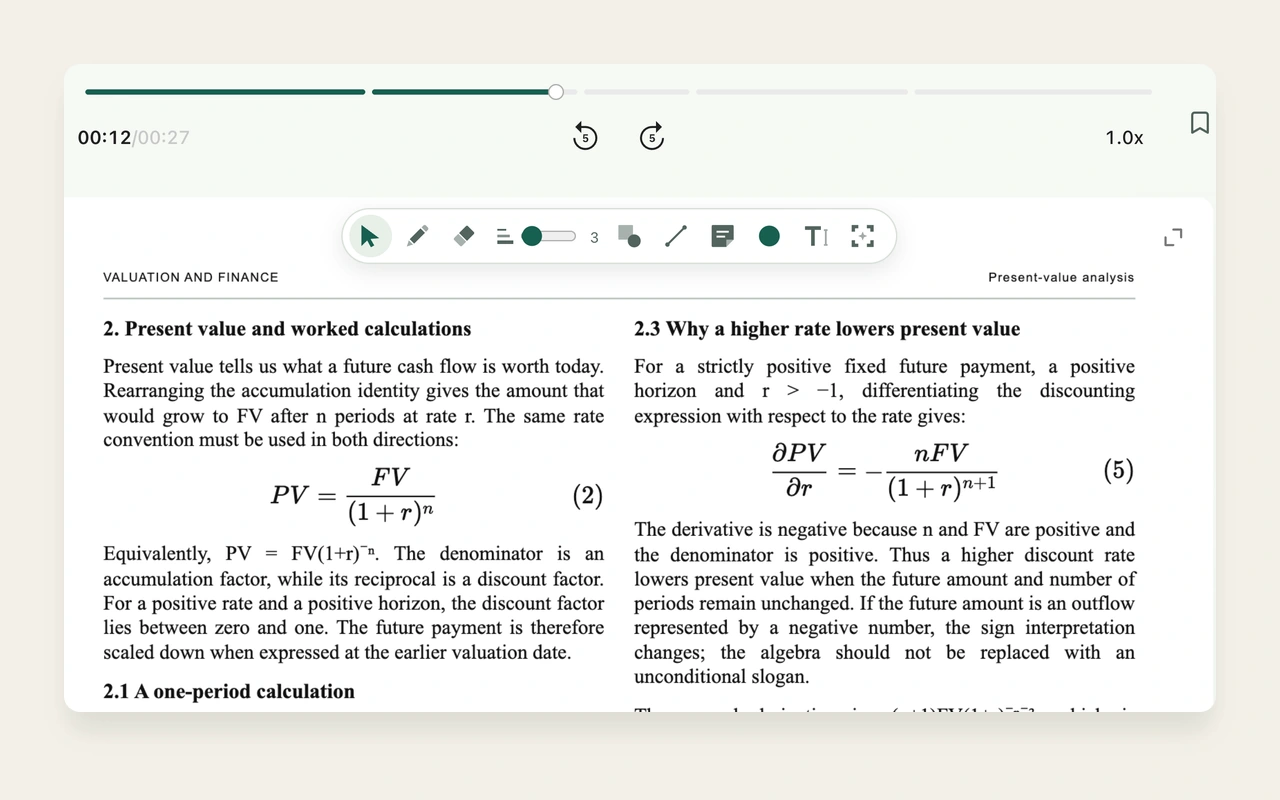
Draw on courseware and organize margin annotations
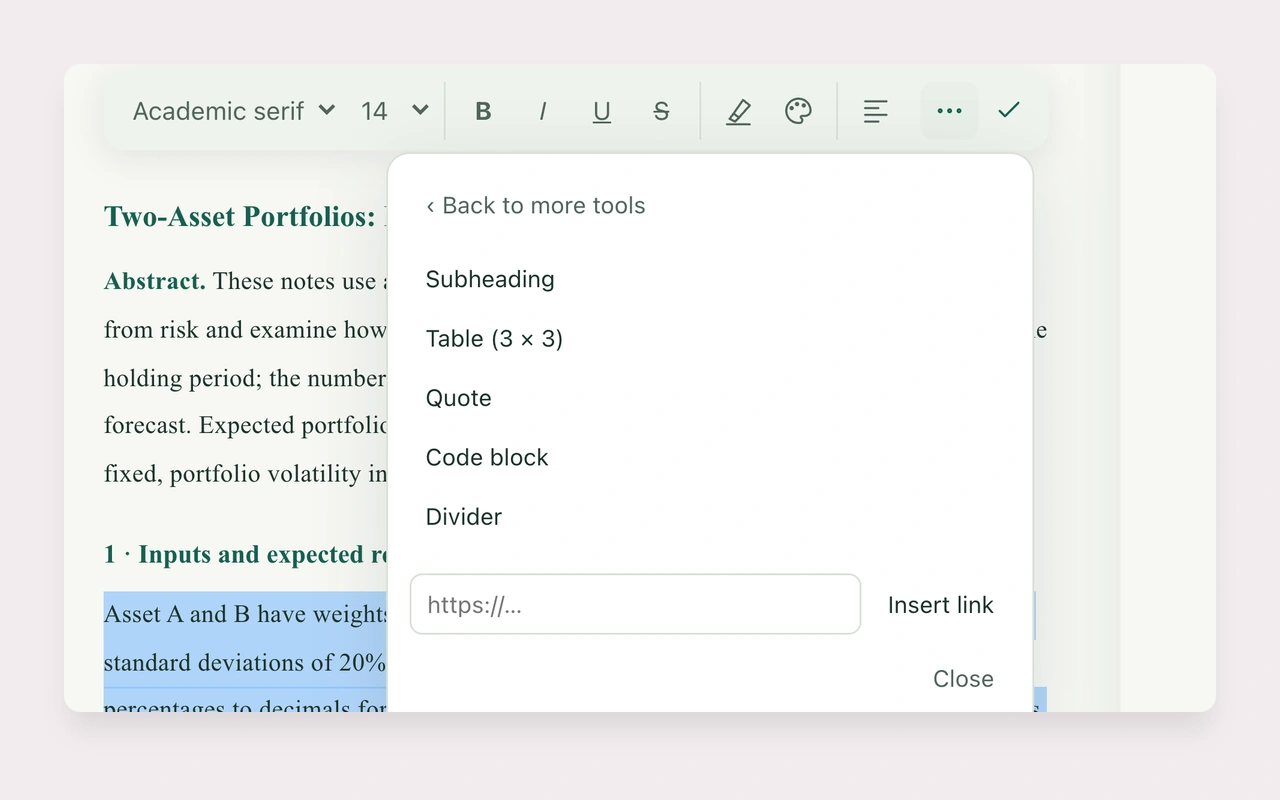
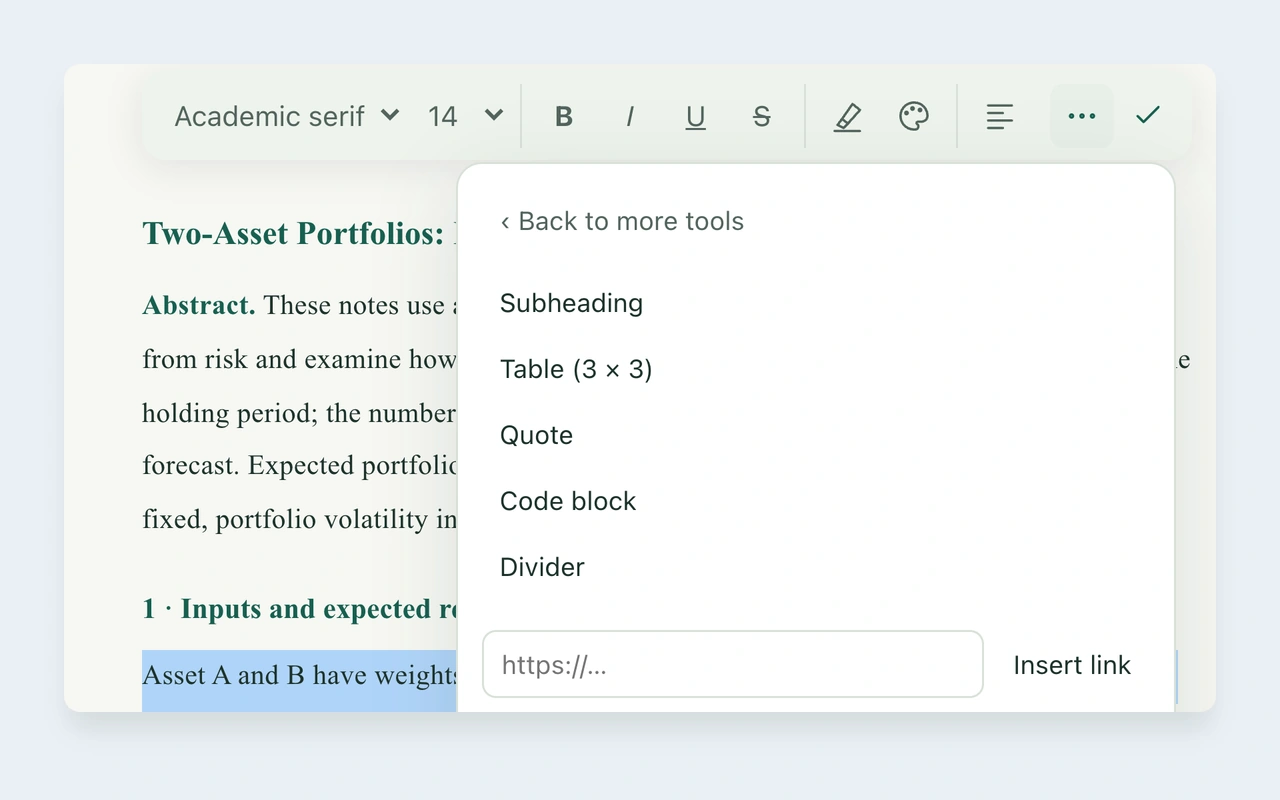
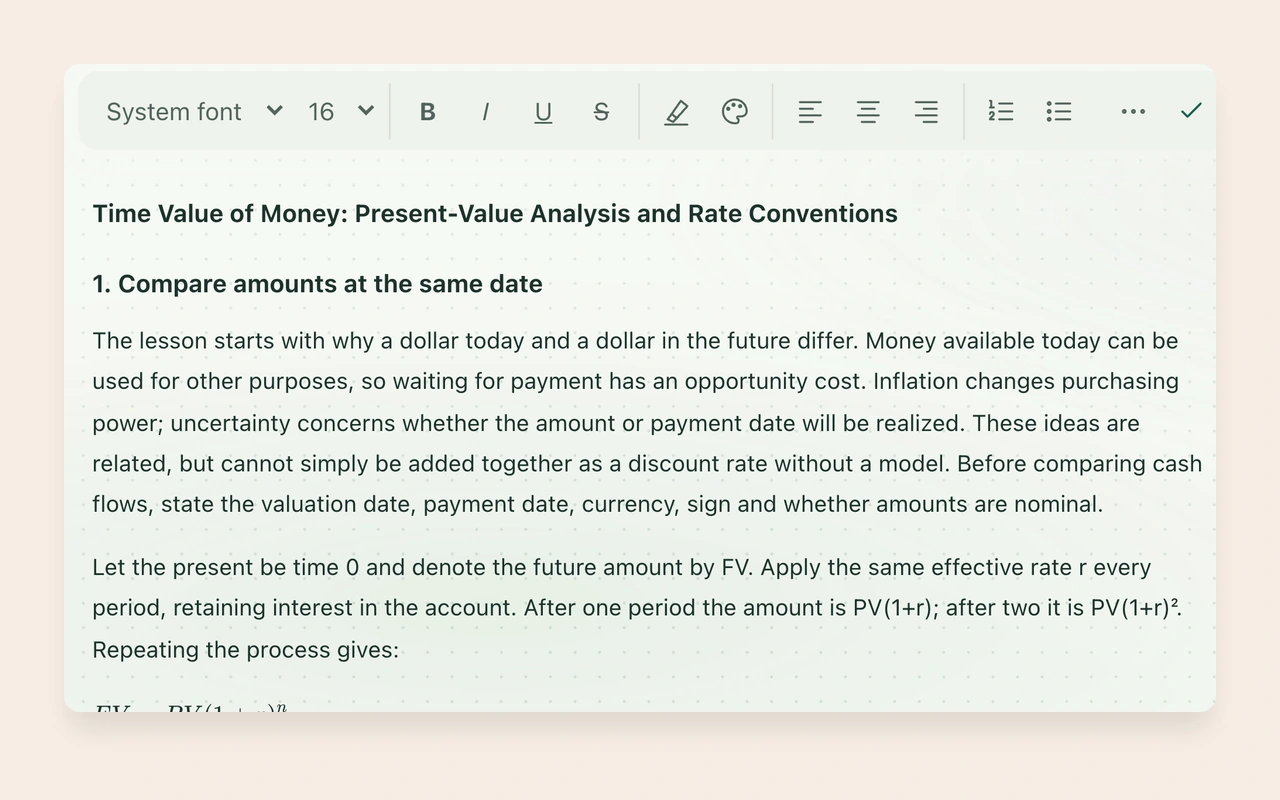
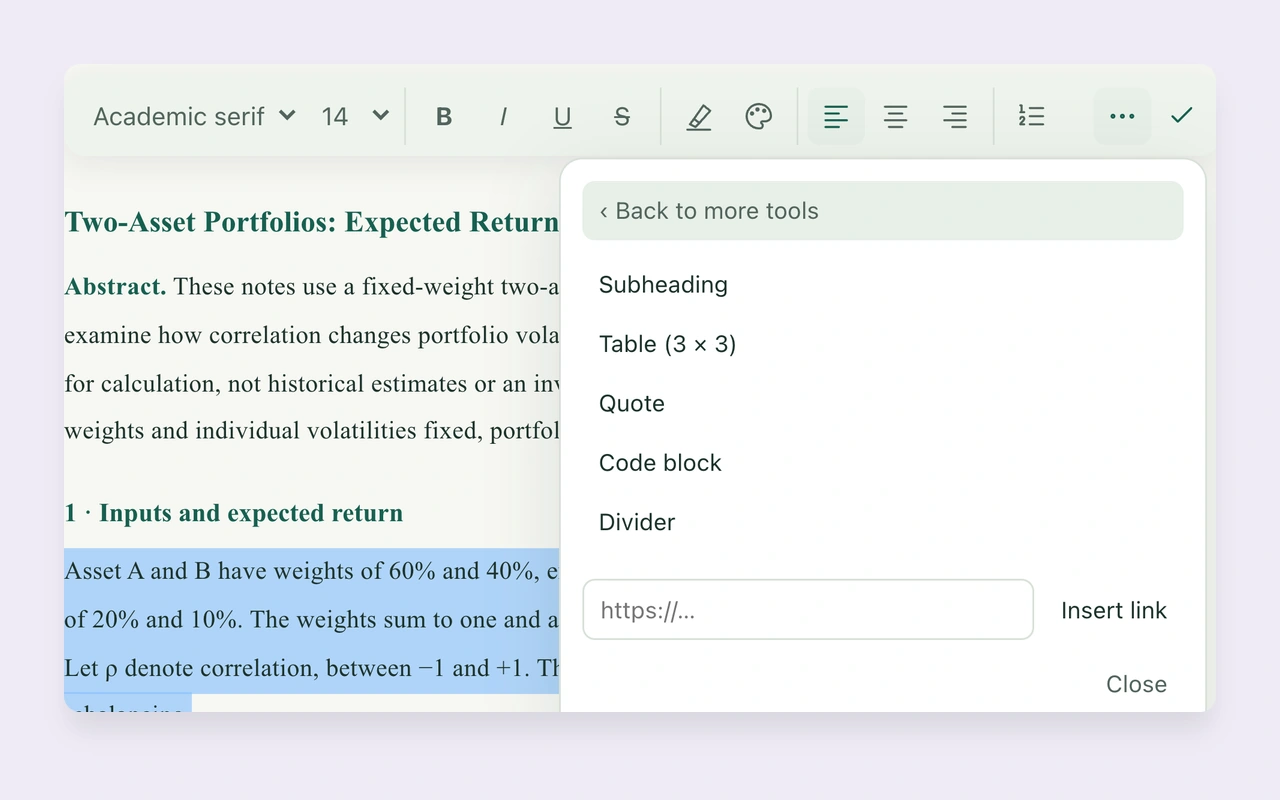
Format technical notes for clear review
No matching guides
Try a shorter keyword, or browse by topic.
Browse help topics
Getting started
Create an account and begin your first session.
Live captions
Language support, microphone access and caption status.
Slides and materials
Upload PDF, Word, and PowerPoint files and switch between materials.
Notes and review
Mark key points and revisit saved content.
Account and storage
Check usage and confirm that your files are saved.
Schools and organizations
Prepare an evaluation for schools, government and other organizations.